
Spin Palace Casino Login
Access your account in seconds and start spinning to win today.
Spin Palace Casino Games






All Games






Logging into your Spin Palace Casino account is quick, taking under two minutes once you learn the steps. You log in through your browser on desktop or mobile, using your password and e-mail confirmation rather than two-factor codes. If you face any issues, the solutions below address the most frequent causes.
How to Log In: Step-by-Step
The sign-in process is identical on a laptop, phone or tablet, as Spin Palace Casino is a mobile-responsive website without a downloadable app.
Navigate to the Spin Palace Casino website in your browser.
Click the login button.
Input the e-mail address from your sign-up and your password.
Finish the e-mail confirmation step.
You will then access your account, which operates in CAD.
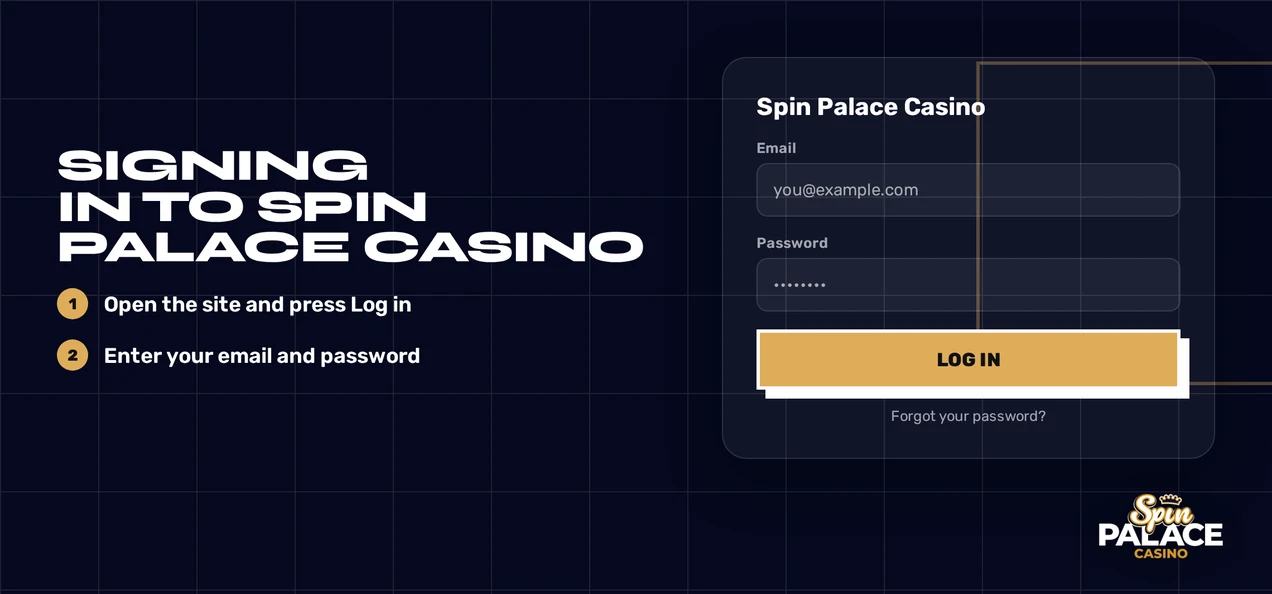
Spin Palace Casino does not provide two-factor authentication as standard, so you won't need an authenticator code. CAD is the sole account currency, so you don't select a currency at login.
Login Problems and Fixes
Most login failures stem from a typo, an old browser session or an incomplete document request. Identify your issue in the table and apply the corresponding fix.
| Problem | Likely Cause | Quick Fix |
|---|---|---|
| Password rejected | Typo, caps lock or an old password | Retype carefully, then reset the password |
| E-mail confirmation not arriving | Wrong address typed or message filtered | Re-enter your registered e-mail and look in spam |
| Page loops or will not load | Old cookies or cached files | Clear cookies and cache, then retry |
| Account locked | Open document request or duplicate-account review | Contact live chat, then upload documents |
| Withdrawal blocked, login fine | KYC pending | Send identity, address and payment documents |
| Cannot find the app | No native app exists | Log in through your mobile browser |
Clear Cookies and Cache
To clear cookies and cache:
- Access your browser settings and find the privacy or browsing data section.
- Choose cookies and cached files for the Spin Palace Casino site.
- Delete them and shut down the browser entirely.
- Restart the browser and attempt to log in again, or use a private window.
How to Reset Your Password
Your first action is here; support only assists if the reset e-mail doesn't arrive. An old session can disrupt the reset page, so clear your cookies first (see above) if the page malfunctions.
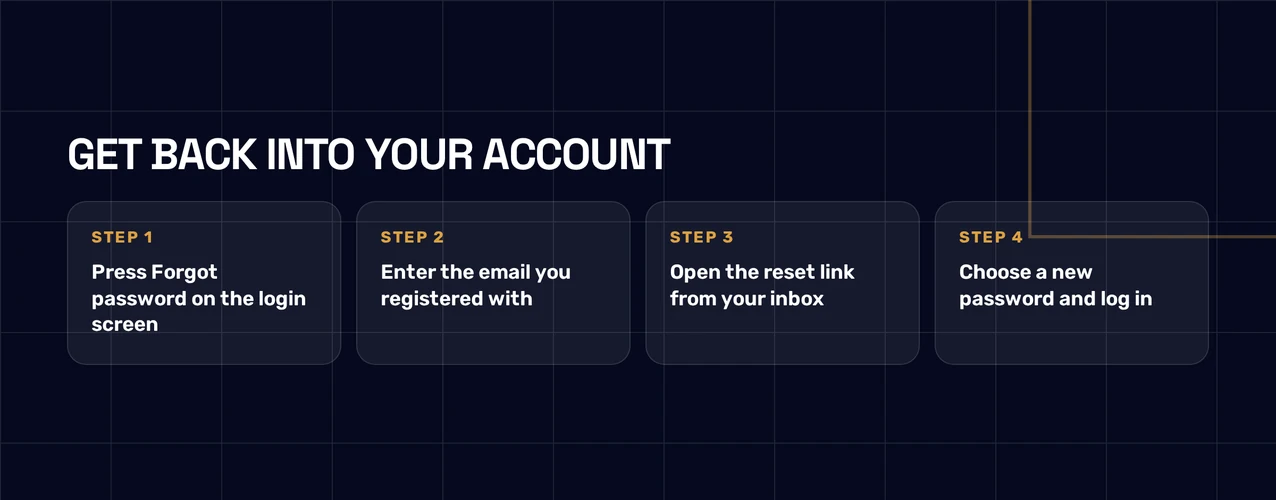
- Go to the login form and click the forgotten password link.
- Provide the e-mail address linked to your Spin Palace Casino account.
- Open the message sent to your inbox and click the reset link inside.
- Create a new password and confirm it.
- Use your new password to log in.
If you do not receive an email, look in your spam folder. Ensure you typed the same address used for registration. Then, contact support via live chat.
Account Locked or Suspended
Account locks happen for particular reasons, and each needs its own solution. Spin Palace Casino restricts accounts for a few common scenarios:
- Missing documents needed for a withdrawal request
- Suspected duplicate account, which also requires document submission
- An active 24-hour cooling-off period
- An active self-exclusion lasting at least 6 months, set in the Help Centre
How to Unlock Your Account
To unlock an account:
- You should contact the 24/7 English live chat and explain you cannot log in.
- Support will then identify the exact reason for your account lock.
- Next, upload any documents the team asks for (see the KYC section).
- After support verifies your documents, you can log in again.
A cooling-off period or self-exclusion keeps the account locked. For free help if gambling is no longer enjoyable, call ConnexOntario at 1-866-531-2600.
KYC Verification
Spin Palace Casino may ask for documents before a withdrawal or if duplicate accounts are suspected. Withdrawals are paused and accounts may be restricted until verification ends.
Required Documents
- Identity: a government-issued photo ID
- Address: a document confirming your current home address
- Payment proof: evidence you own the card or e-wallet used
How to Clear a KYC Hold
To clear a KYC hold:
- Collect clear, full images of all three document types.
- Submit them to support using live chat or email.
- The support team checks your documents and approves the outcome.
- After verification, you can either ask for your withdrawal or simply log back in.
Logging In via Mobile
No Spin Palace Casino app exists for iOS or Android. Nothing needs downloading or updating from app stores. You sign in via your phone's web browser, and the site adjusts to fit your screen.
| Feature | Status |
|---|---|
| iOS app | No |
| Android app | No |
| Mobile-responsive website | Yes |
| Biometric login | No |
| Push notifications | No |
Steps to Log In on Mobile
To log in on mobile:
- Launch Safari, Chrome, or any other mobile browser.
- Visit the Spin Palace Casino site.
- Click login and type in your email address and password.
- Finish confirming your email.
Contact Support
Support is open around the clock, and live chat is the quickest route for a locked account or a reset that failed. Tell the agent your registered e-mail and the exact message you see.
| Channel | Availability | Language |
|---|---|---|
| Live chat | 24/7 | English |
| 24/7 | English |
FAQ
Spin Palace Casino is for players aged 19+. Gamble responsibly. Set limits you can afford. Use the 24-hour break or self-exclusion tools in the Help Centre for a pause.